Flat-lay photo guide: shoot a garment so the AI keeps the neckline and print
By the Vastra Studio team · Updated
To get a good AI model photo, shoot the whole garment flat or on a hanger, wrinkle-free, on a plain background, in even daylight, with the neckline, print and border clearly visible. Do not crop any part. Most changed necklines and prints come from cut-off, blurry or creased photos.
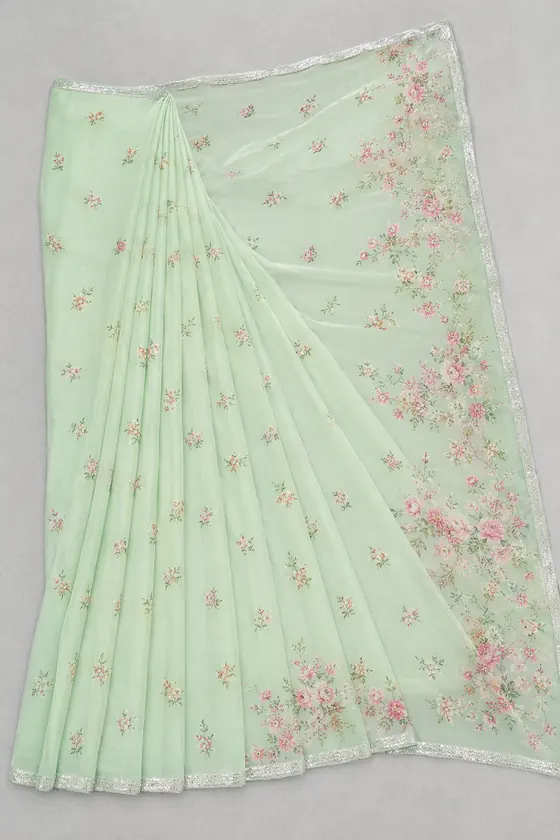
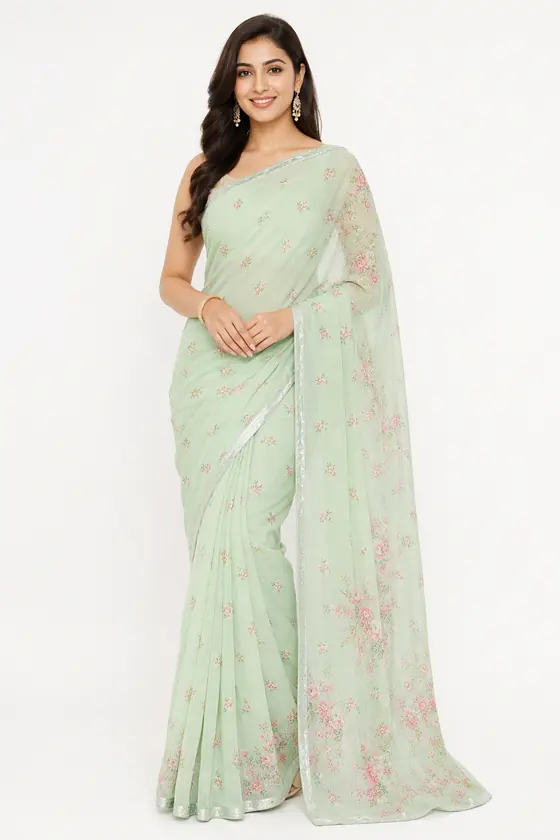
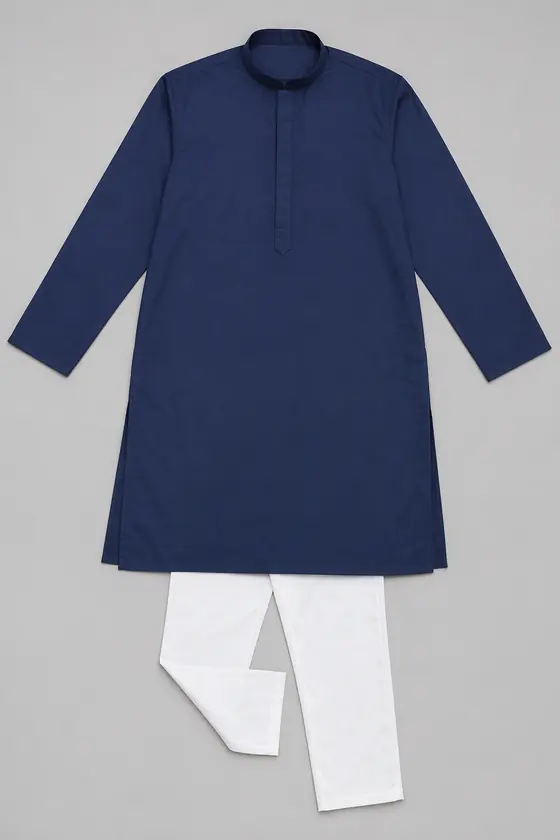
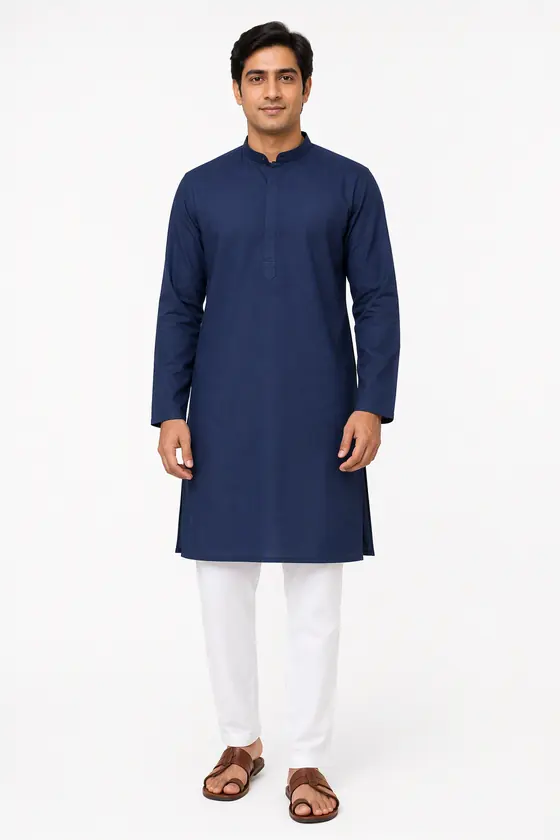
The standard flat photo
These rules apply to every garment. The sample photos above were all made from flat photos like this.
- Whole garment in frame. Include every piece you sell, with some space around it. Do not crop sleeves, hem or border.
- Flat and smooth. Iron or steam first. Creases get read as part of the design.
- Plain background. A plain sheet or floor in a colour that contrasts with the garment.
- Even light. Daylight from a window, no flash, no hard shadow across the print.
- Shoot from straight above or straight on, not at an angle.
- Sharp. Tap to focus on the print. A blurry photo makes the AI guess.
Checklist by garment
| Garment | Make sure the photo clearly shows |
|---|---|
| Kurti, kurta set, suit | Neckline shape, yoke, sleeve length, print or embroidery, hem, and the bottom wear and dupatta if you sell them |
| Saree | Full border, pallu design, body colour, and the blouse piece if included |
| Lehenga | Blouse neckline, skirt flare and border, dupatta |
| Men's kurta or sherwani | Collar, placket and buttons, sleeve length, bottom wear |
| Shirt, dress, top | Collar or neckline, buttons, sleeve length, print placement |
The 5 mistakes that cause changed details
- Cropped garment. The AI invents the missing part.
- Creased cloth. Creases turn into false patterns.
- Busy background. Print and background blend together.
- Folded or draped saree. Fold it flat so the border and pallu are all visible.
- Extra items in the photo. A dupatta, belt or jewellery in the photo may be treated as part of the set.
Always check the result
Even with a perfect flat photo, AI can change small details or add a piece. In one of our own tests an editorial look added a dupatta that was not in the flat photo. Before you list a photo, check the neckline, sleeve length, print, border and every piece worn against the real garment. If a photo adds or changes anything, do not use it.
Ready to try? Use the studio for kurtis or sarees. Sign in and your first 2 photos are free.
Questions
- How should I photograph a garment for AI model photos?
- Shoot the whole garment flat or on a hanger, wrinkle-free, on a plain background, in even daylight, with the neckline, print and border clearly visible and nothing cropped.
- Can I use a photo of the garment on a hanger?
- Yes, if the whole garment is visible and hangs straight. A flat photo from above is usually the safest.
- Why did the AI change my neckline?
- Common causes are a cropped or blurry photo, creases, or a busy background. Re-shoot flat and sharp, and always compare the result with the real garment.
- Should I include the dupatta in the photo?
- Only if you sell it with the garment. Items in the photo may be treated as part of the set, and the AI may add one that is missing.
- What file types can I upload?
- Use a clear JPG, PNG or WebP photo, up to 10 MB.